BANDON KINSALE MD MINUTES 26TH MARCH 2024
Cork County
Visit, Live, Work and Invest.
News
Cork County Council Publish Two Year Progress Report on CDP 2022-2028
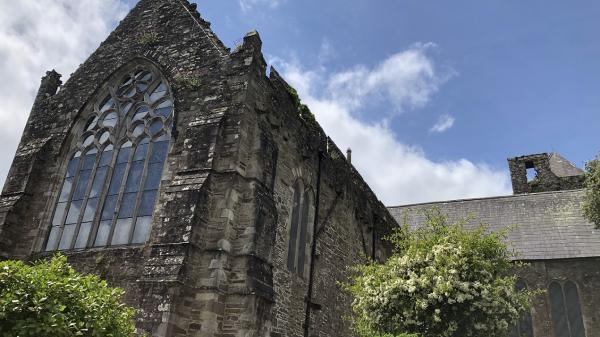
Breis is €400,000 do Thionscadail Oidhreachta Seandálaíochta i gContae Chorcaí
Over €400,000 for Archaeological Heritage Projects in Cork County
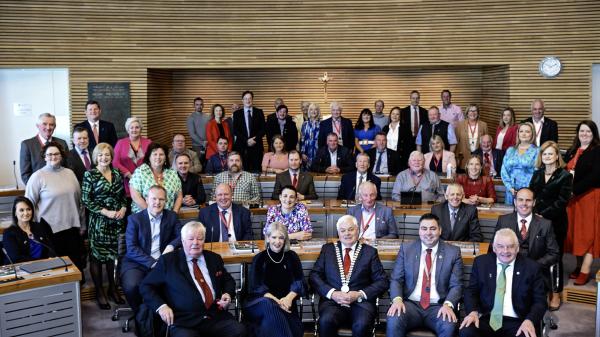
125 bliain de dhul chun cinn - Comórann Comhairle Contae Chorcaí Cloch Mhíle
Public Notices
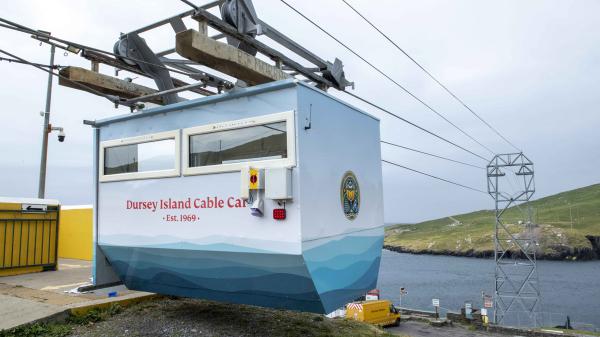
Closure Notice - Dursey Island Cable Car Saturday 27th of April

Visit
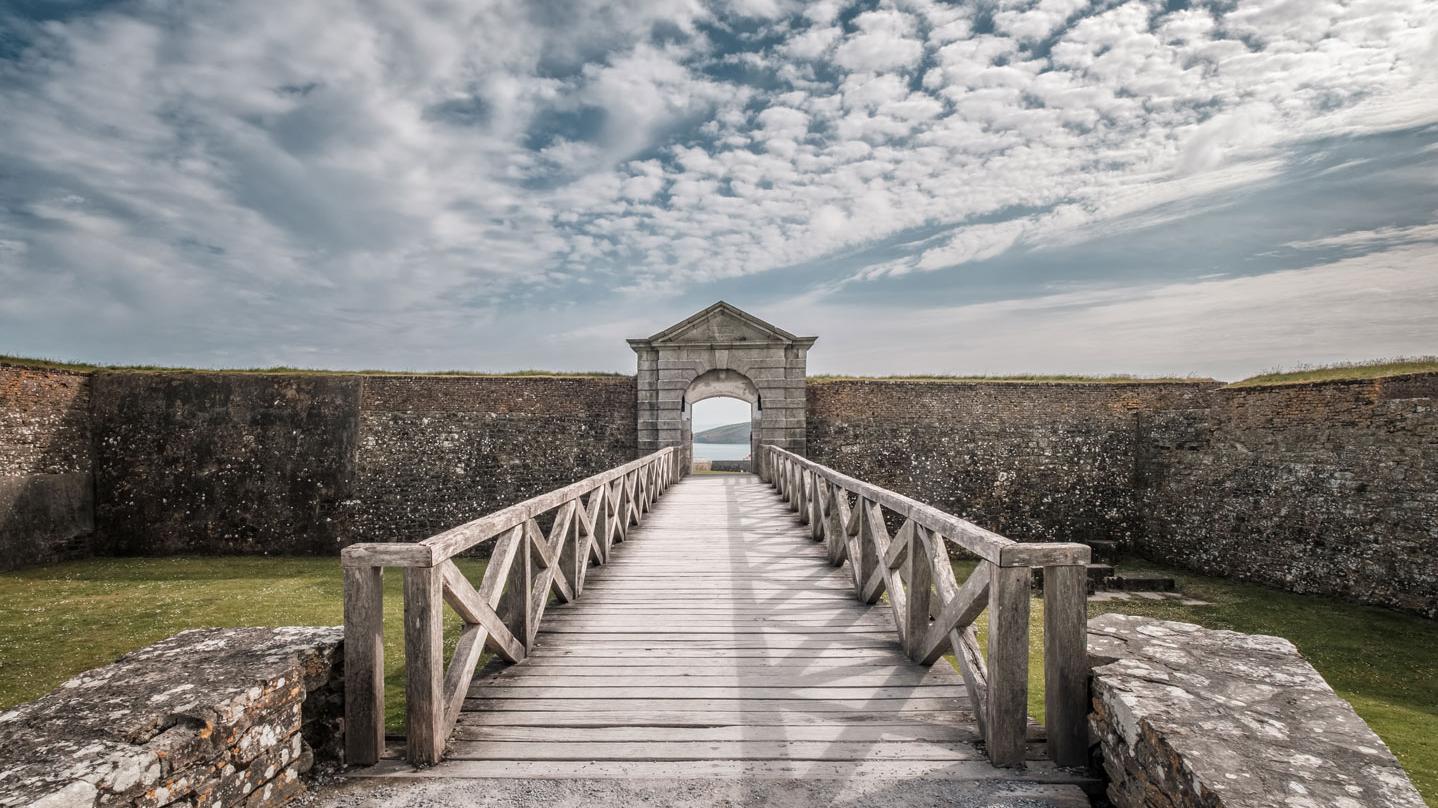
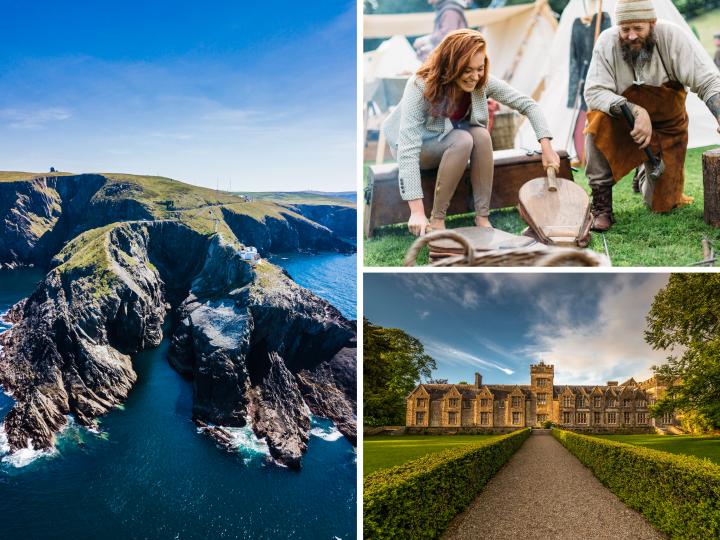
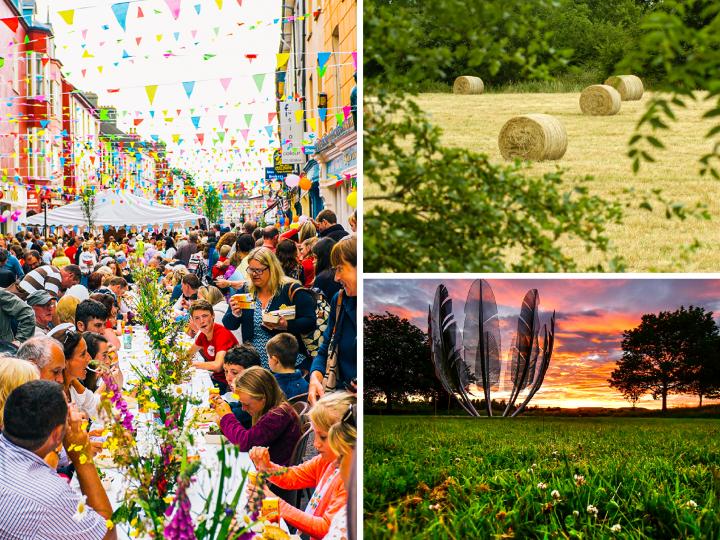
Nestled in the South West of Ireland between Ireland’s Ancient East and the Wild Atlantic Way, Ireland’s Hidden Heartlands, Cork is Ireland’s largest county. Known as ‘Ireland’s Maritime Haven’, Cork has over 1,000km of coastline and the world’s second largest natural harbour. It has many internationally renowned visitor attractions such as Mizen Head Footbridge, Spike Island, The Jameson Experience, Fota Wildlife Park, Charles Fort and Doneraile Estate to name but a few. There are 8 islands in West Cork, 7 of which are inhabited and each with their own unique culture and history.
Live, Work
Cork County Council provides a broad range of diverse services to approximately 400,000 citizens. Some services are well publicised, for example: Housing, Roads, Planning, and Environment, but there are a range of other quality services that we provide to our communities, such as Libraries, Fire Service, Community Funding, LEADER, and Arts and Heritage.

Invest
The role of the Local Authority is to promote Cork County as an attractive location for business to locate, grow and expand, for people to invest, and for employers and employees to work and live. Cork County Council works to support business and the creation of employment, in co-operation with enterprise support agencies, entrepreneurs, community groups, and other stakeholders.
Your County Council
Cork County Council's roles and responsibilities have expanded in recent years, and while we still provide traditional services such as Roads, Planning, and Housing, we are also supporting the core pillars of modern society, such as Community Development, Business Support, and Tourism.